
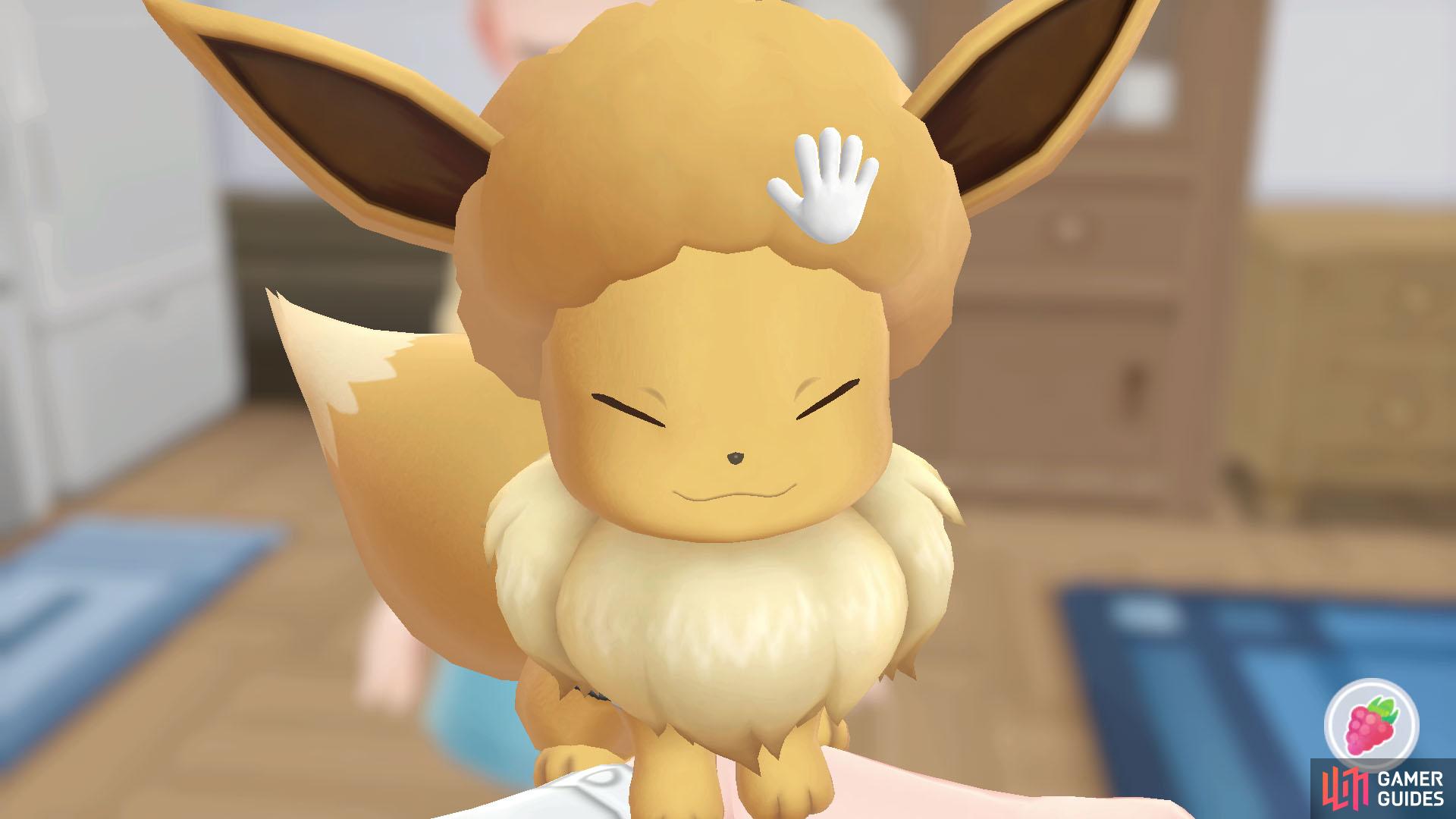
Make your Partner Pokémon extra threatening by giving it… an afro hairstyle!?
A hidden feature of your Partner Pokémon is the ability to change its hairstyle. Obviously, this has no gameplay benefit (similar to changing their outfit), but it’s cute all the same.
How to Change Hairstyles
First, you must be in the “Partner Play” screen (after choosing “Play with  Pikachu/
 Eevee” from the field menu). Also, Pikachu/Eevee must be at the default distance away from you–and not up close to the screen.
Next, you’ll need to move your fingers on the touch screen (when playing the Nintendo Switch in Handheld mode). Depending on the number of fingers you use and the motion of your fingers, you may stumble upon a new hairstyle.
List of Hairstyles
| Description | Motion |
|---|---|
| Spiky | Use 2 fingers in a vertical motion. |
| Cowlick | Use 2 fingers in a horizontal motion. |
| Puffy | Use 2 fingers in a clockwise direction. |
| Messy | Use 2 fingers in an anti-clockwise direction. |
| Fringe | Use 5 fingers in a vertical motion. |
| Mohawk | Use 5 fingers in a diagonal motion. |
| Curly | Use 5 fingers in a clockwise direction. |
| Afro | Use 4 fingers in a clockwise direction and, at the same time, another 4 fingers in an anti-clockwise direction. |

No Comments