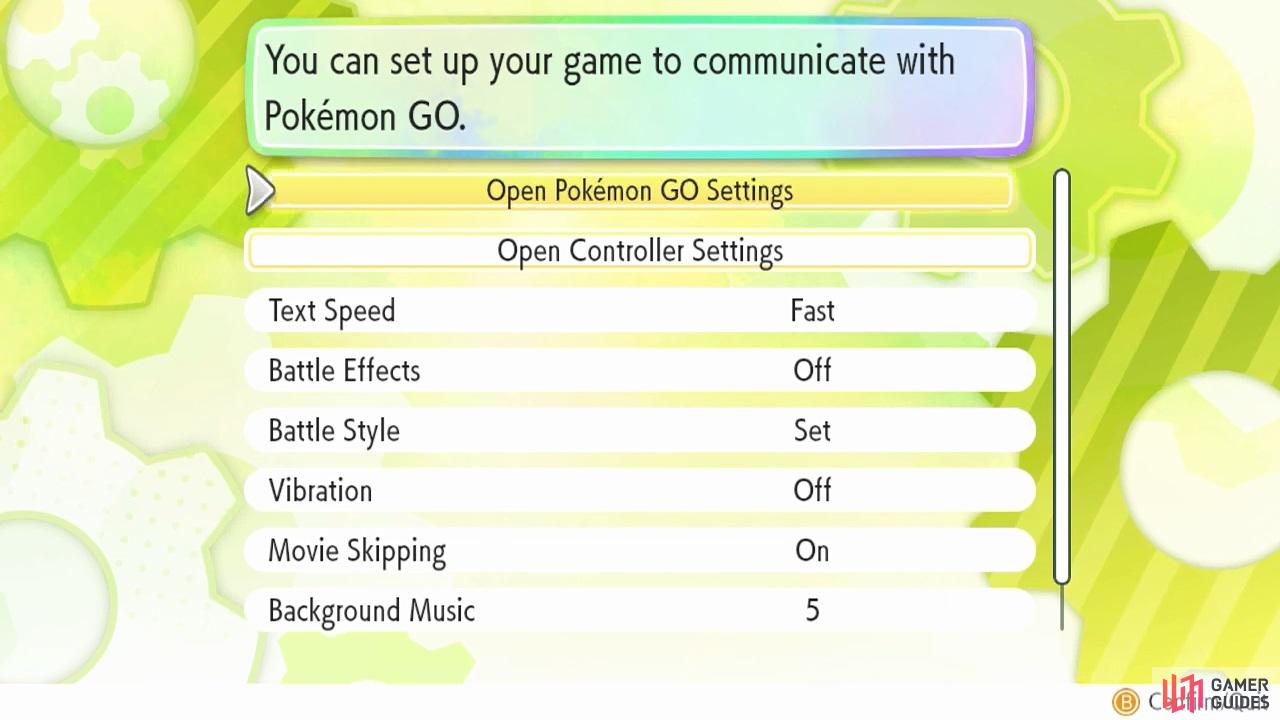
Before you can do anything, you must pair your Pokémon GO account with your Let’s Go game. You can do this at any time. First, open the main menu and go to options. Then choose “Open Pokémon GO Settings”, which is found along the top. Follow the instructions. Your game will then search for a Pokémon GO account.
Now boot up your Pokémon GO. Once it’s finished loading, tap the Poké Ball icon along the bottom of the screen. Go to “Settings”, scroll down and then tap “Nintendo Switch”. Make sure Bluetooth is enabled on your phone. Then tap “Connect to Nintendo Switch”.
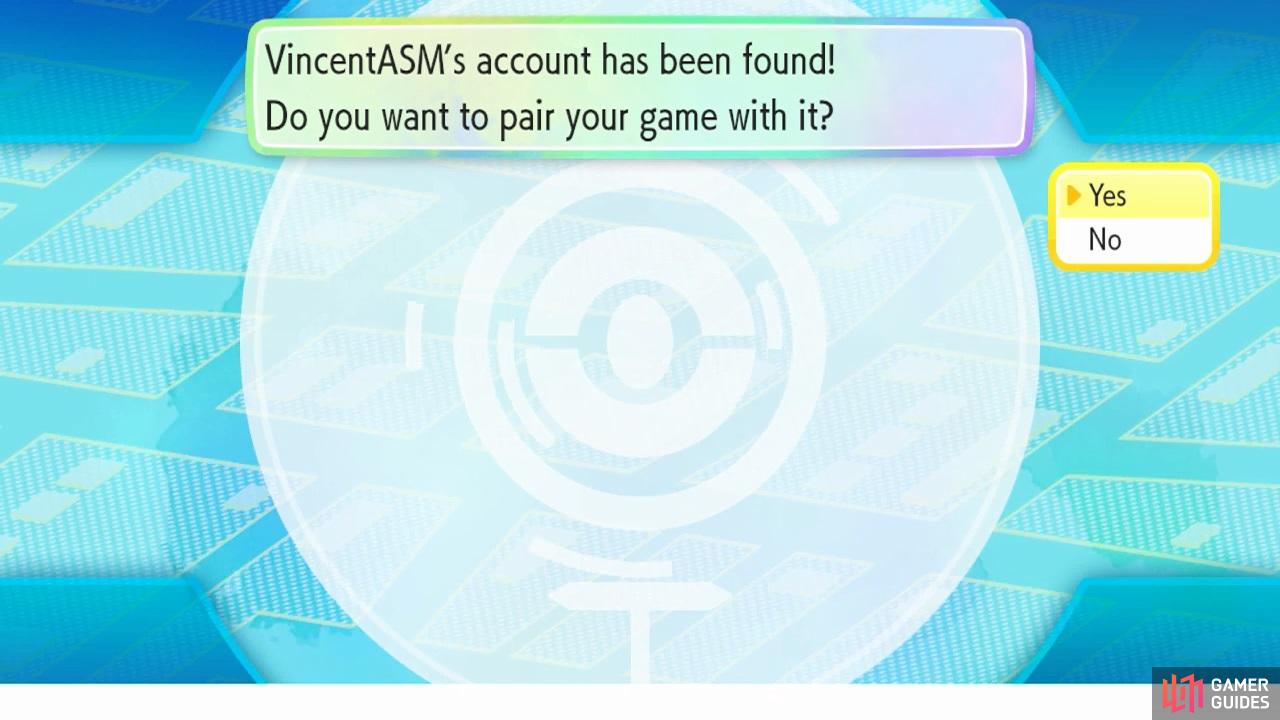
With luck, it should say your Pokémon GO account has been found on your Let’s Go game. Select “Yes” to pair the account with your game. Your Nintendo Switch should then appear under “Available Devices” in Pokémon GO. That means you’re all ready!


No Comments